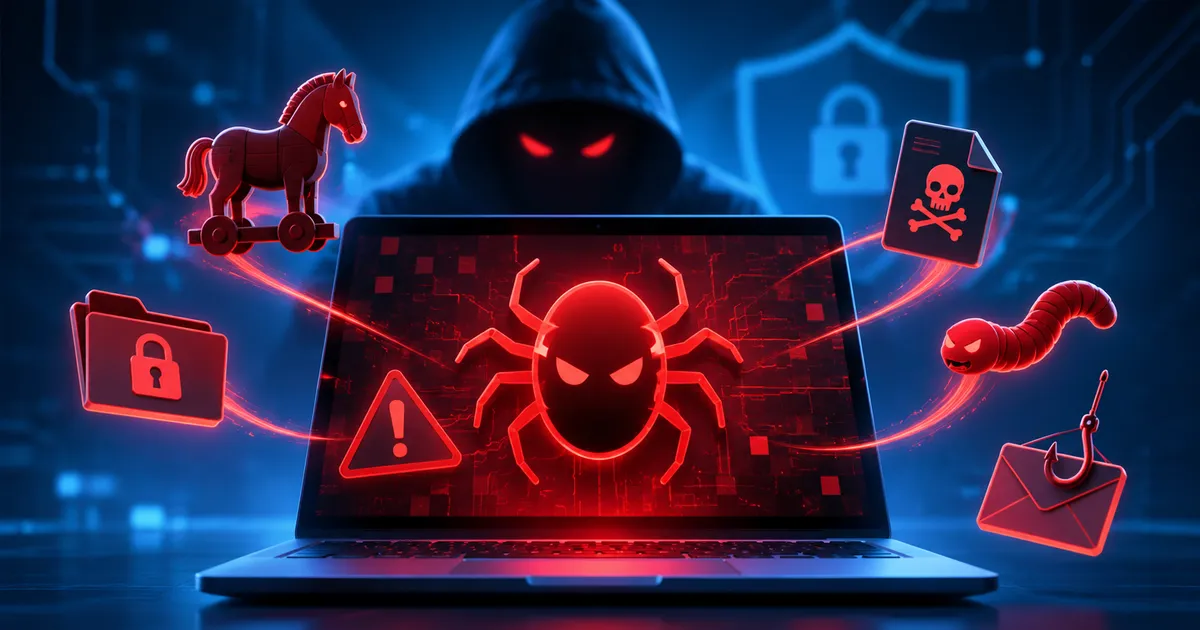
When you hear the word “malware,” it can sound like a vague threat from the world of hackers. In reality, malware is simply software that behaves in ways that damage, steal from, or otherwise compromise a computer or device. Understanding what malware is, how it reaches your device, and why it matters is the first step toward protecting yourself online.
Understanding Malware
Malware is short for “malicious software.” Unlike legitimate programs that you install on purpose, malware is created to perform actions without your consent. Its purpose can range from showing unwanted advertisements to stealing personal information, encrypting files for ransom, or turning your device into part of a larger network of compromised machines.
Common Types of Malware
Malware comes in many shapes, each with its own typical behavior. Knowing the most common families helps you recognize warning signs.
- Viruses – Attach themselves to legitimate files and spread when those files are shared or executed.
- Worms – Replicate themselves across networks without needing to attach to other files.
- Trojan horses – Appear to be useful or harmless software but contain hidden malicious code.
- Ransomware – Encrypts your files and demands payment to restore access.
- Spyware – Monitors your activity, captures keystrokes, or gathers personal data silently.
- Adware – Forces unwanted advertisements onto your screen, often slowing performance.
- Rootkits – Hide the presence of other malware by modifying core system functions.
How Malware Gets onto Your Device
Malware does not magically appear; it needs a pathway to reach your device. The most common infection vectors include:
- Email attachments – Opening a malicious attachment or clicking a link can trigger a download.
- Compromised websites – Visiting a site that has been injected with malicious code can cause a drive‑by download.
- Software downloads – Installing programs from untrusted sources may bundle malware with the intended software.
- Removable media – USB drives or external hard drives that have been infected can spread malware when connected.
- Network vulnerabilities – Outdated operating systems or applications can be exploited by attackers to push malware onto connected devices.
In each case, the underlying principle is the same: a piece of code is executed on your system without your informed permission.
The Real Risks of Malware
While some malware merely annoys you with pop‑ups, many variants pose serious threats:
- Data loss – Ransomware can render personal files inaccessible, and some malware deletes data outright.
- Identity theft – Spyware and keyloggers capture passwords, credit‑card numbers, and other personal details.
- Financial loss – Fraudulent transactions, extortion demands, or unauthorized purchases can result from compromised credentials.
- Device performance degradation – Malware often consumes CPU, memory, and bandwidth, making devices slower and less reliable.
- Network abuse – Infected machines can become part of a botnet, used to launch attacks against other targets without the owner’s knowledge.
Because malware can act silently, you may not notice the damage until it has already spread.
Simple Steps to Reduce Malware Risk
You don’t need advanced technical skills to lower your exposure. The following practices form a solid foundation for everyday security:
- Keep software up to date. Operating systems, browsers, and applications regularly receive patches that close security gaps.
- Be cautious with email and links. Verify the sender’s address, avoid opening unexpected attachments, and hover over links to see the actual URL before clicking.
- Download from reputable sources. Use official app stores or the vendor’s verified website; avoid third‑party download sites.
- Use built‑in security features. Most modern operating systems include basic anti‑malware tools that can scan and block known threats.
- Back up important data regularly. Store copies on an external drive or a trusted cloud service that is not continuously synced with your primary device.
- Limit administrator privileges. Operate daily tasks with a standard user account; reserve admin rights for installations and system changes.
- Secure your network. Change default router passwords, use a strong Wi‑Fi passphrase, and consider a separate guest network for visitors.
These habits create multiple layers of defense, making it harder for malware to gain a foothold.
Quick checklist
- Enable automatic updates for your operating system and applications.
- Verify email senders before opening attachments or clicking links.
- Download software only from official or trusted sources.
- Run regular scans with built‑in or reputable anti‑malware tools.
- Back up critical files at least weekly to a location not constantly connected.
- Use a standard (non‑admin) account for everyday activities.
- Secure your Wi‑Fi with a strong password and keep router firmware current.
Key takeaway
Malware is any software that operates against your wishes, ranging from harmless ads to destructive ransomware. It spreads through familiar channels like email, compromised websites, and insecure downloads. The dangers include data loss, identity theft, and device slowdown. By keeping software updated, practicing cautious browsing, using built‑in security tools, and maintaining regular backups, beginners can dramatically lower the chance of infection and protect their digital lives.