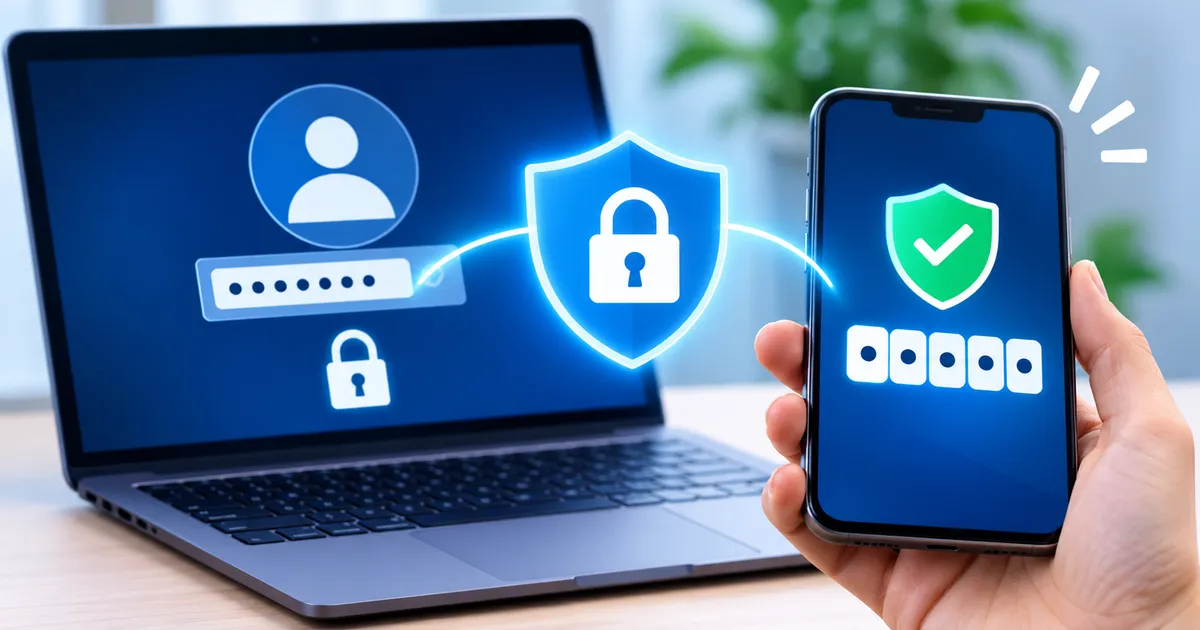
In today’s digital world, a single password is often not enough to keep your online accounts safe. Two-factor authentication (2FA) provides a simple yet powerful way to strengthen security by requiring two independent pieces of evidence that you are who you say you are.
Understanding the Concept of Two-Factor Authentication
Two-factor authentication is a method of verifying a user’s identity using two different categories, or “factors,” of credentials. The idea is rooted in the principle that if one factor is compromised, the attacker still needs the second factor to gain access.
The three broad categories of authentication factors are:
- Something you know – typically a password or PIN.
- Something you have – a physical device such as a smartphone, hardware token, or smart card.
- Something you are – a biometric trait like a fingerprint or facial pattern.
Two-factor authentication combines any two of these categories. For example, a password (something you know) plus a code generated on your phone (something you have) is a common pairing.
How the Two Factors Work Together
When you log in to a service that supports 2FA, the process usually follows these steps:
- You enter your username and password as usual.
- The system checks the password. If it is correct, the service prompts you for the second factor.
- You provide the second factor – for instance, a one‑time code from an authenticator app or a push notification you approve on your phone.
- Only after both factors are verified does the service grant access.
This two‑step flow means that even if an attacker obtains your password, they cannot log in without also possessing the second factor.
Common Methods and What to Look For
There are several ways to implement the “something you have” factor. Each method has its own strengths and considerations:
- Authenticator apps – Apps such as Google Authenticator or Microsoft Authenticator generate time‑based one‑time passwords (TOTP). Look for services that support standard TOTP protocols, as they work with many apps.
- SMS codes – A text message containing a short numeric code is sent to your mobile phone. While convenient, SMS can be vulnerable to SIM‑swap attacks, so it is generally considered less secure than app‑generated codes.
- Push notifications – A service sends a notification to a trusted device, and you approve or deny the login attempt. This method is user‑friendly but relies on the security of the device and the notification channel.
- Hardware tokens – Physical devices (e.g., YubiKey) that generate codes or act as a cryptographic key. They provide strong security but require you to carry the token.
- Biometrics – Fingerprint or facial recognition on a device can serve as the second factor. This method is convenient but depends on the device’s hardware and software integrity.
When choosing a method, consider the balance between convenience and security that fits your personal or organizational needs.
Benefits of Using Two-Factor Authentication
Implementing 2FA brings several clear advantages:
- Reduced risk of credential theft – Even if a password is leaked in a data breach, the attacker still lacks the second factor.
- Mitigation of phishing attacks – Phishing sites may capture passwords, but they cannot provide the second factor without the victim’s device.
- Improved compliance posture – Many security standards and regulations recommend or require multi‑factor authentication for sensitive accounts.
- Peace of mind – Knowing that an extra barrier protects your personal data can reduce anxiety about online threats.
Practical Considerations for Setting It Up
Before enabling 2FA, think about the following practical points:
- Backup options – Ensure you have a reliable backup method (such as recovery codes) in case you lose access to your primary second factor.
- Device security – The device that holds your second factor should itself be protected with a strong password, PIN, or biometric lock.
- Account coverage – Prioritize enabling 2FA on accounts that hold valuable data, such as email, banking, and cloud storage.
- Usability for others – If you manage a team, choose a method that is easy for all members to adopt and maintain.
- Recovery process – Familiarize yourself with the service’s account recovery steps before you rely on 2FA exclusively.
Most services provide a straightforward setup wizard that walks you through linking an authenticator app or registering a phone number. The key is to follow the prompts, store any recovery information securely, and test the login flow after configuration.
Common Pitfalls and How to Avoid Them
Even with 2FA, certain mistakes can weaken your security posture:
- Relying on SMS alone – As mentioned, SMS is susceptible to interception. Pair it with a stronger method when possible.
- Skipping backup codes – If you lose your phone and have no backup, you may be locked out of your accounts.
- Using the same second factor for every account – While convenient, a single compromised device could affect many services. Consider hardware tokens for high‑value accounts.
- Neglecting device updates – Out‑of‑date operating systems or apps can introduce vulnerabilities that undermine 2FA.
- Sharing authentication codes – Never share one‑time codes or push notifications with anyone, even if they claim to be support staff.
By staying aware of these issues and applying basic hygiene, you can keep the extra layer of protection effective.
Quick checklist
- Identify the most critical accounts (email, banking, cloud storage).
- Choose a 2FA method that balances security and convenience for each account.
- Enable 2FA through the service’s security settings; follow the on‑screen guidance.
- Store recovery codes in a secure, offline location (e.g., a password manager or printed copy).
- Secure the device that holds your second factor with a strong lock method.
- Regularly review and update your 2FA settings, especially after changing phone numbers or devices.
Key takeaway
Two-factor authentication adds a second, independent proof of identity to the login process, dramatically lowering the chance that stolen passwords alone can lead to a breach. By selecting an appropriate method, backing up your credentials, and keeping your devices secure, you create a robust barrier that protects your digital life without requiring advanced technical skills.